Really awesome HTML5 menus
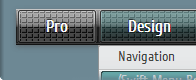
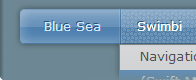
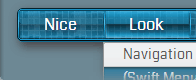
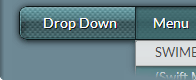
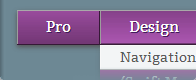
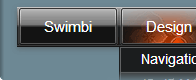
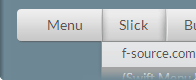
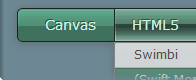
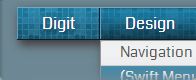
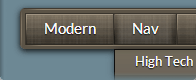
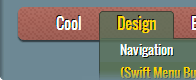
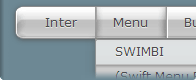
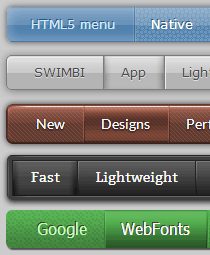 At last, we have finally released best designed menus using modern technologies, HTML5, CSS3, Canvas. Got rid of all drawbacks of flash menus, we made earlier. New menus compatible with all modern browsers, including mobile browsers. Also compatible with old browsers in simplified mode.
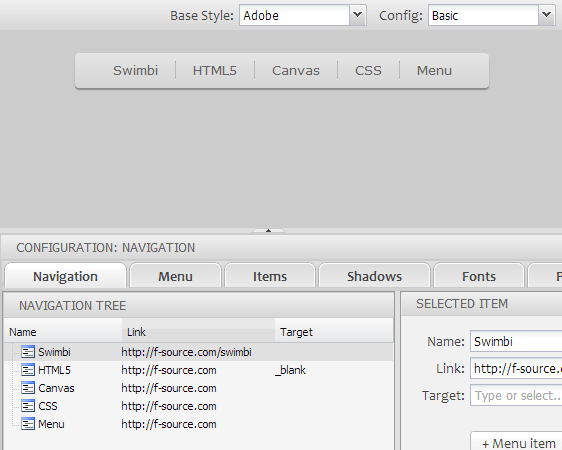
Our new desktop application (Win and Mac) called SWIMBI, will make a website menu in minutes. If you are fan of WordPress, don't worry, we are working with The Blog Starter to make a plugin to connect the app with WordPress blogs and websites. However you can very well do without WordPress using SWIMBI. It has built-in code editor and of course everything you need to make a perfect menu.
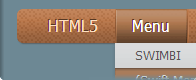
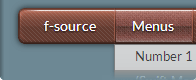
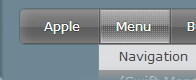
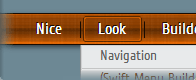
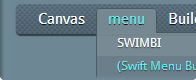
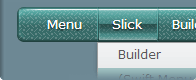
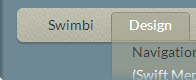
SWIMBI menu builder comes with 12 base designs and 6-7 ready-to-use configurations for each base menu design, in total more than 70 menu designs. Intuitive interface, but with detailed help at hand. Live, interactive preview.
70+ designs are not a limit, you can easily add your own configurations. All aspects of a menu can be modified to make a custom navigation menu:
- 7 different layouts
- 20+ menu overlay patterns
- 8 submenu styles
- 11 submenu animation effects
- 18 main item rollover styles
- 20+ main item rollover overlay patterns
- 6 sub item rollover styles
- hundreds of Google Fonts
- any menu shadows
- any text shadows
- any colors, sizes and transparencies
It's only the main options, available in current version. More will be added in near future.
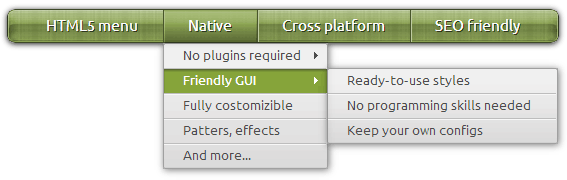
How the menu works
It has no images inside, the graphics generated on the fly. That make the menus very flexible. But it can work even with disabled Javascript in browser. So what is the menu?
- CSS menu - with disabled Javascript it works as pure CSS menu
- Canvas menu - it use Canvas element to generate graphics
- Javascript menu - looks best in browsers with enabled Javascript
- HTML5 menu - since Canvas and Javascript are part of HTML5 standard
- Drop down menu - SWIMBI makes only most popular drop down menus
- Web menu - created for websites, W3C standards compliant
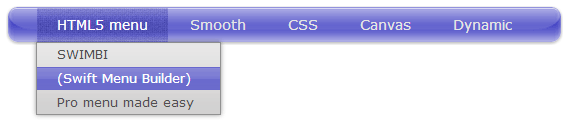
Key Features
- Fast - no images to load, no extra requests
- Lightweight - Javascript code 6-12 Kb depending on design
- Native - no plugins required
- Flexible - everything can be customized
- Web fonts - built-in Google Web Fonts support
- Perfect skins - nothing but best designs
- Ready-to-use - just select and combine, click "Publish" and you are done
- SEO friendly - HTML menu links are indexed perfectly
- Frendly UI - Windows and Mac applications "SWIMBI" with intuitive interface

Download Swimbi (Swift Menu Builder)

Version: 1.0.1
swimbi_v101.exe
(16.7 Mb)

Version: 1.0.0
swimbi_v100.dmg
(33.2 Mb)