- Create XML file.
Create an empty file using any text/html editor.
Save the file with "xml" extension, for example: "navigation.xml"
- Copy your navigation settings in the XML file.
Copy the DIV with id='menu' from the page and paste it in the XML file.
It must contain nothing more than DIV with id='menu'. XML example:
<div id='menu'>

<div><a href='http://f-source.com'>Button1</a></div>
  <div id='submenu'>
     <div><a href='http://f-source.com'>SubButton1-1</a></div>
     <div><a href='http://f-source.com'>SubButton1-2</a></div>
  </div>
  <div><a href='http://f-source.com'>Button2</a></div>

</div>
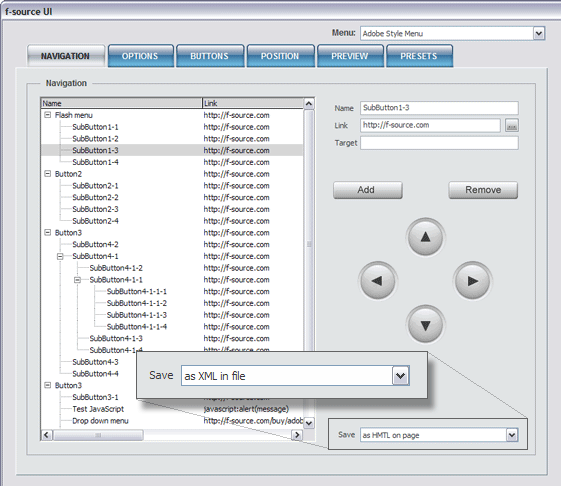
- Set up a menu to take the navigation settings from the XML file.
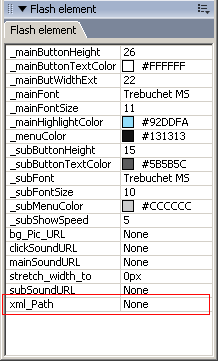 Upload the XML to your server. Set the path to the XML in Tag Inspector, using parameter xml_Path.